
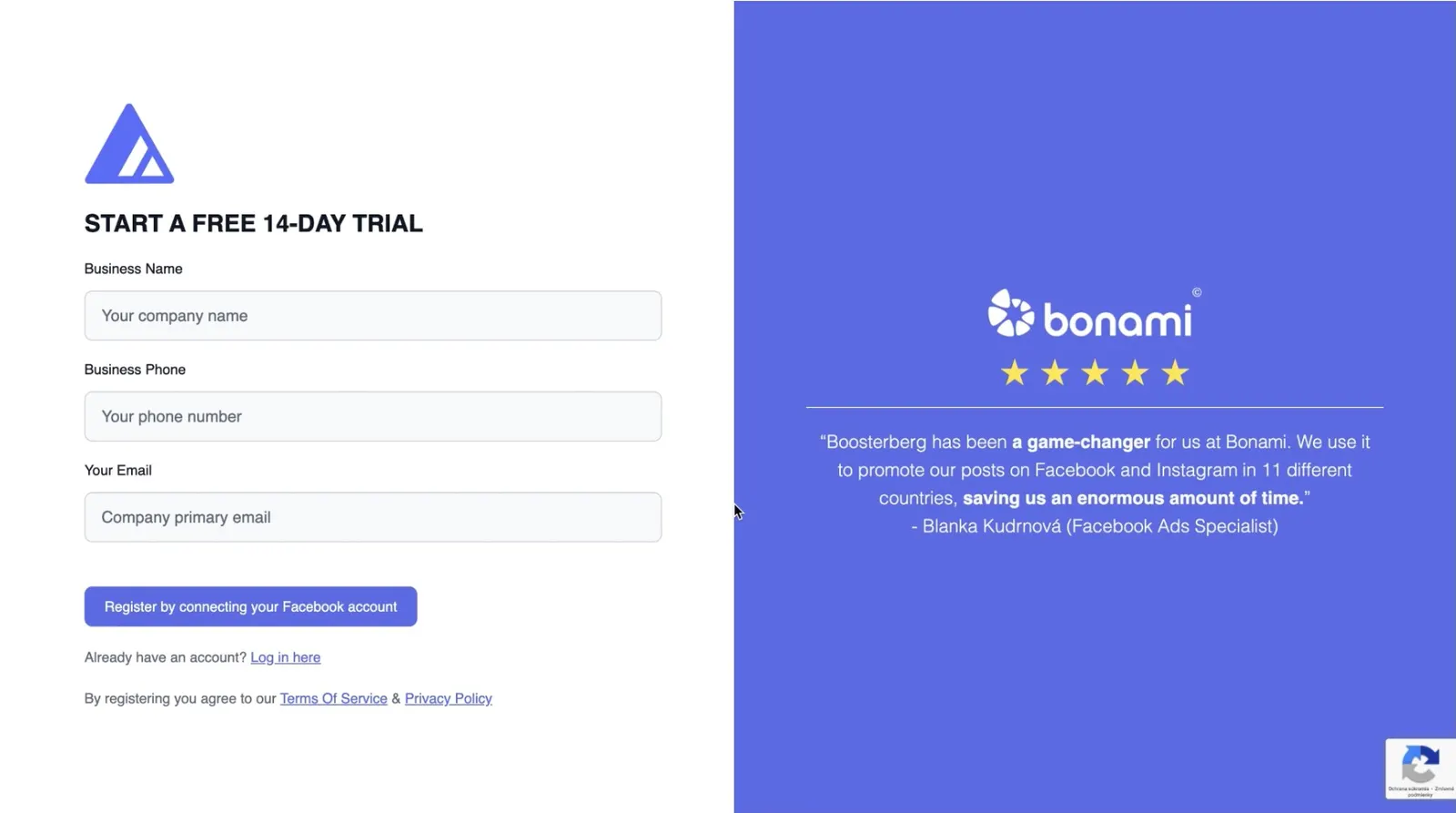
The Login & Account Setup process includes creating a new Boosterberg account using Facebook login and logging into existing accounts with the ability to switch between Facebook profiles.
How to Create a Boosterberg Account
Account Creation Steps
Logging In
If you're already signed into Facebook, your profile photo appears on the Login Page. Click "Continue as [Your Name]" for instant access. To use a different Facebook account, select "Switch Account" to reopen the authentication window.
Frequently Asked Questions
Can I enable two-factor authentication?
Boosterberg doesn't currently support MFA within the app. However, enabling MFA on your Facebook account adds security to your Boosterberg account.
What data does Boosterberg access?
Boosterberg only accesses data necessary for its service, Facebook Pages, Ad Accounts, and Business Manager settings. The platform doesn't store passwords or access private messages.
How do I change my linked Facebook account?
You cannot directly change the linked account, but you can invite another Facebook account to your Boosterberg agency and transfer ownership or grant admin access.
Can I update business details later?
Yes, update your business name, email, and phone number anytime in the Business Settings section.
Can I add team members?
Yes, invite new members and assign roles such as Regular User, Manager, or Administrator (Owner).
How do I delete my account?
Request deletion in Business Settings for your entire account, or delete just your user account in User Settings.